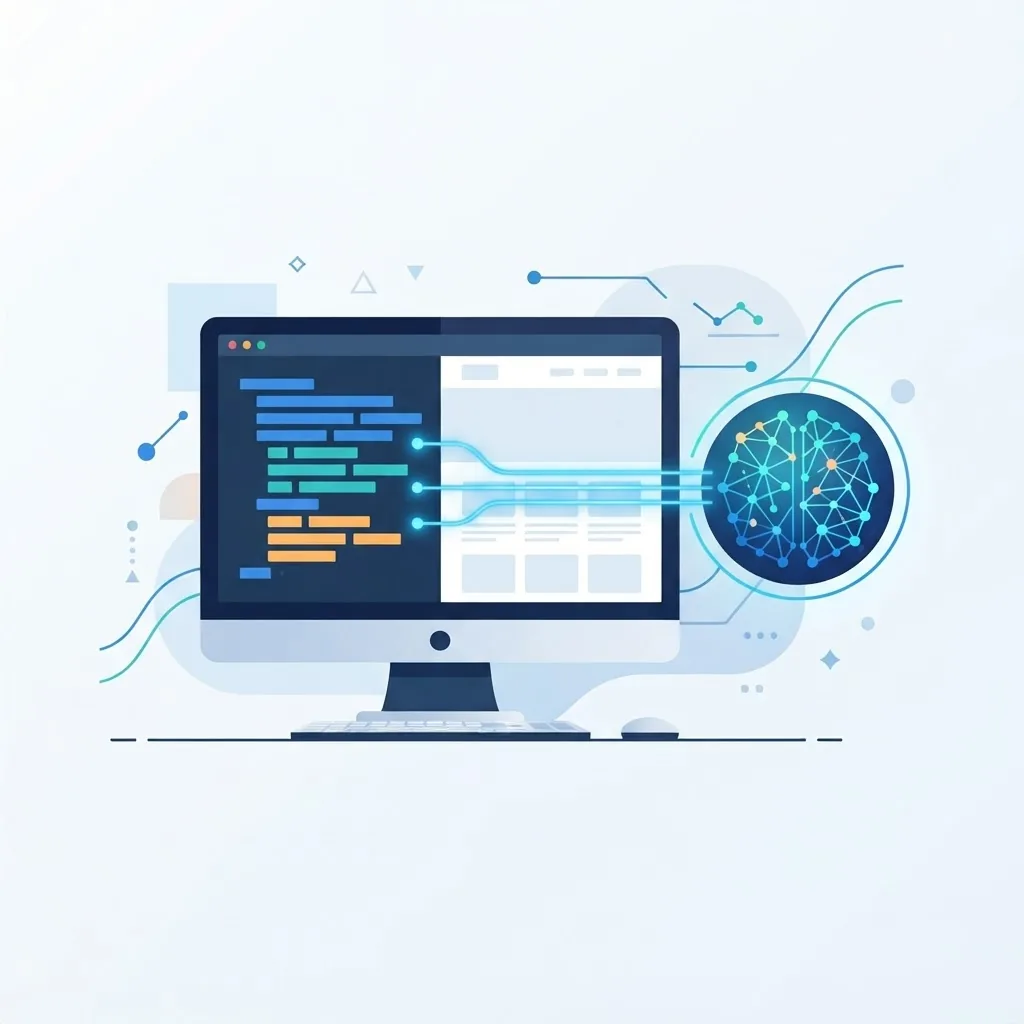
Explore how developers use AI in web design in 2026, from faster prototyping and code generation to smarter testing, personalization, and accessibility.
Last updated: July 20, 2026
Introduction
Artificial intelligence has moved from novelty to daily tool in the web industry. For developers, AI web design is not about handing the whole job to a machine. It is about removing repetitive work, accelerating the boring parts, and freeing human judgment for the decisions that actually require it: architecture, accessibility, brand nuance, and user empathy.
This guide explores what developers can realistically do with AI in web design as of 2026. We will look at where AI genuinely helps, where it still needs a firm human hand, and how to use these tools responsibly so you ship faster without shipping worse. If you are a developer wondering how to fold AI into your workflow, or a business curious what your team can now achieve, this is a grounded, practical overview.
Table of Contents
- How AI fits into modern web design
- Faster prototyping and ideation
- Code generation and refactoring
- Smarter testing and debugging
- Personalization and dynamic experiences
- Accessibility and quality checks
- Content, images, and assets
- The limits developers must respect
- Frequently asked questions
- Conclusion
How AI Fits Into Modern Web Design
The most useful way to think about AI in web design is as a capable assistant, not an autopilot. It excels at pattern-based tasks: generating boilerplate, suggesting layouts, summarizing documentation, and spotting obvious errors. It struggles with context it was never given, such as your specific business goals, brand voice, or the subtle reasons a particular user flow matters.
Developers who benefit most treat AI output as a first draft to review, not a final answer to trust blindly. That mindset keeps quality high while still capturing the speed gains. Teams offering modern web development increasingly weave AI into their process precisely because it compresses timelines without lowering the bar, as long as humans stay in control.
Faster Prototyping and Ideation
One of the clearest wins is early-stage prototyping. Instead of staring at a blank canvas, developers can describe a concept in plain language and get a starting layout, component structure, or wireframe in seconds.
This matters because the first version is usually the hardest. AI helps you get to something tangible quickly, which you can then critique, adjust, and improve. Designers and developers can explore several directions in the time it once took to sketch one, making stakeholder conversations more concrete and productive early on.
The key discipline is to treat these prototypes as disposable. They are conversation starters, not blueprints. Real projects still need proper information architecture and design decisions grounded in user research.
Code Generation and Refactoring
Perhaps the most practical use of AI for developers is code assistance. Modern tools can scaffold components, write utility functions, convert designs into markup, and suggest improvements to existing code.
Used well, this dramatically speeds up routine work: setting up a responsive grid, writing form validation, or translating a design into a React JS component. AI can also help modernize legacy code, explain unfamiliar snippets, and propose refactors that improve readability.
However, generated code demands review. AI can introduce subtle bugs, security gaps, or inefficient patterns that look correct at a glance. Experienced developers read every suggestion critically, test thoroughly, and never paste sensitive logic without understanding it. In production frameworks such as Next JS, that human review is what separates a helpful accelerator from a liability.
Smarter Testing and Debugging
Testing is repetitive, which makes it a natural fit for AI assistance. Developers can use AI to generate test cases, suggest edge conditions they might have missed, and draft unit or integration tests faster.
When bugs appear, AI can help interpret error messages, propose likely causes, and suggest fixes. It is particularly useful for the frustrating "I have seen this before but cannot remember the fix" moments. Paired with proper monitoring and human verification, AI-assisted debugging shortens the loop between finding a problem and resolving it.
The caution here is the same: AI suggestions are hypotheses. The developer still owns the decision about what is correct, especially for anything touching security or data integrity on the back end.
Personalization and Dynamic Experiences
AI unlocks experiences that adapt to the individual visitor. Developers can build interfaces that adjust content, recommendations, or layout based on behavior, all powered by machine learning models.
Practical examples include product recommendations, dynamic search that understands intent rather than exact keywords, and content that reorders itself based on what a user engages with. Companies investing in artificial intelligence capabilities can deliver these tailored experiences at scale, which increases relevance and engagement.
The responsibility that comes with personalization is transparency and privacy. Developers must handle data ethically, respect consent, and avoid manipulative patterns. Good personalization feels helpful; bad personalization feels invasive.
Accessibility and Quality Checks
AI is increasingly useful for catching quality issues that humans overlook. Automated tools can scan for missing alt text, insufficient color contrast, skipped heading levels, and other accessibility problems, then suggest fixes.
This does not replace manual accessibility testing, especially with real assistive technologies and real users, but it raises the floor. Running AI-assisted audits during development catches many issues before launch, making the final human review faster and more focused. The result is more inclusive sites built with less friction.
Content, Images, and Assets
Beyond code, developers frequently need supporting assets: placeholder text, image variations, icons, and social graphics. AI tools can generate draft copy, produce imagery, and create asset variations quickly.
These outputs still need editorial and design oversight. AI-generated copy benefits from professional content writing to ensure accuracy, brand voice, and search intent alignment, while AI imagery often needs refinement to match a brand's visual standards. When polish matters, pairing AI drafts with human graphic design produces the best of both worlds: speed and craft.
The Limits Developers Must Respect
For all its power, AI has firm limits that responsible developers respect:
- It lacks true context. AI does not know your business goals unless you tell it, and even then it cannot weigh trade-offs like a human.
- It can be confidently wrong. Output may look authoritative while containing errors, so verification is mandatory.
- It raises security and privacy stakes. Never feed sensitive data into tools you do not control, and always audit generated code.
- It does not replace judgment. Architecture, ethics, accessibility for real users, and brand strategy remain human responsibilities.
Developers who understand these boundaries use AI as a force multiplier rather than a crutch, and the quality of their work reflects it.
Building an AI-Assisted Workflow That Ships Faster
The developers getting the most from AI are not the ones who use it occasionally for a tricky function. They are the ones who have reshaped their whole workflow so that AI removes friction at every stage while humans keep control of the decisions that matter.
A practical AI-assisted pipeline often looks like this. During discovery, teams use AI to summarize research, cluster user feedback, and draft first-pass content so designers have real material to work with instead of placeholder text. In the design and prototyping phase, generative tools produce layout variations and imagery to explore directions quickly, while a designer curates and refines. During development, AI coding assistants scaffold components, write tests, and explain unfamiliar code, which frees developers to focus on architecture, performance, and accessibility. After launch, AI helps analyze analytics and flag pages that need attention.
The discipline that separates good outcomes from messy ones is review. Every AI contribution should pass through a human checkpoint: is the code secure, is the copy accurate, does the design actually serve the user, and does the result meet accessibility standards? Teams that skip this step accumulate subtle bugs and generic-feeling interfaces. Teams that keep it move dramatically faster without sacrificing quality.
For businesses, the takeaway is encouraging. Partnering with a team that has genuine artificial intelligence expertise alongside strong web development skills means you get the speed of automation and the judgment of experienced professionals. That combination, not AI alone, is what produces modern websites that are fast to build and built to last.
Frequently Asked Questions
Can AI build an entire website by itself?
Not reliably. AI can generate drafts, components, and layouts quickly, but real websites need human decisions about architecture, accessibility, brand, and business goals. Treat AI as an assistant, not a replacement.
Is AI-generated code safe to use in production?
Only after review. Generated code can contain bugs or security flaws that look fine at first glance. Developers should read, test, and understand any AI code before shipping it.
Will AI replace web developers?
It is far more likely to reshape the role than replace it. AI removes repetitive tasks, so developers spend more time on architecture, problem-solving, accessibility, and creative decisions that machines cannot make well.
What are the best uses of AI in web design today?
Prototyping, code scaffolding, test generation, debugging assistance, accessibility scanning, and asset creation. These are areas where AI saves time while humans retain final judgment.
Does using AI hurt SEO?
Not inherently. What matters is quality and helpfulness. AI-assisted content and code that is reviewed, accurate, and user-first can rank well; unedited, low-value output does not.
How do developers keep quality high when using AI?
By treating AI output as a first draft, reviewing everything critically, testing thoroughly, and keeping humans responsible for final decisions on architecture, security, and user experience.
Conclusion
AI has genuinely changed what developers can accomplish in web design. It accelerates prototyping, code, testing, personalization, accessibility checks, and asset creation, letting teams ship faster and focus their energy where human judgment truly matters. The winners are not those who hand everything to the machine, but those who pair AI's speed with human craft and responsibility.
If you want to build modern, AI-enhanced digital experiences with a team that balances automation and expertise, explore our web development services and let's bring your next project to life the smart way.